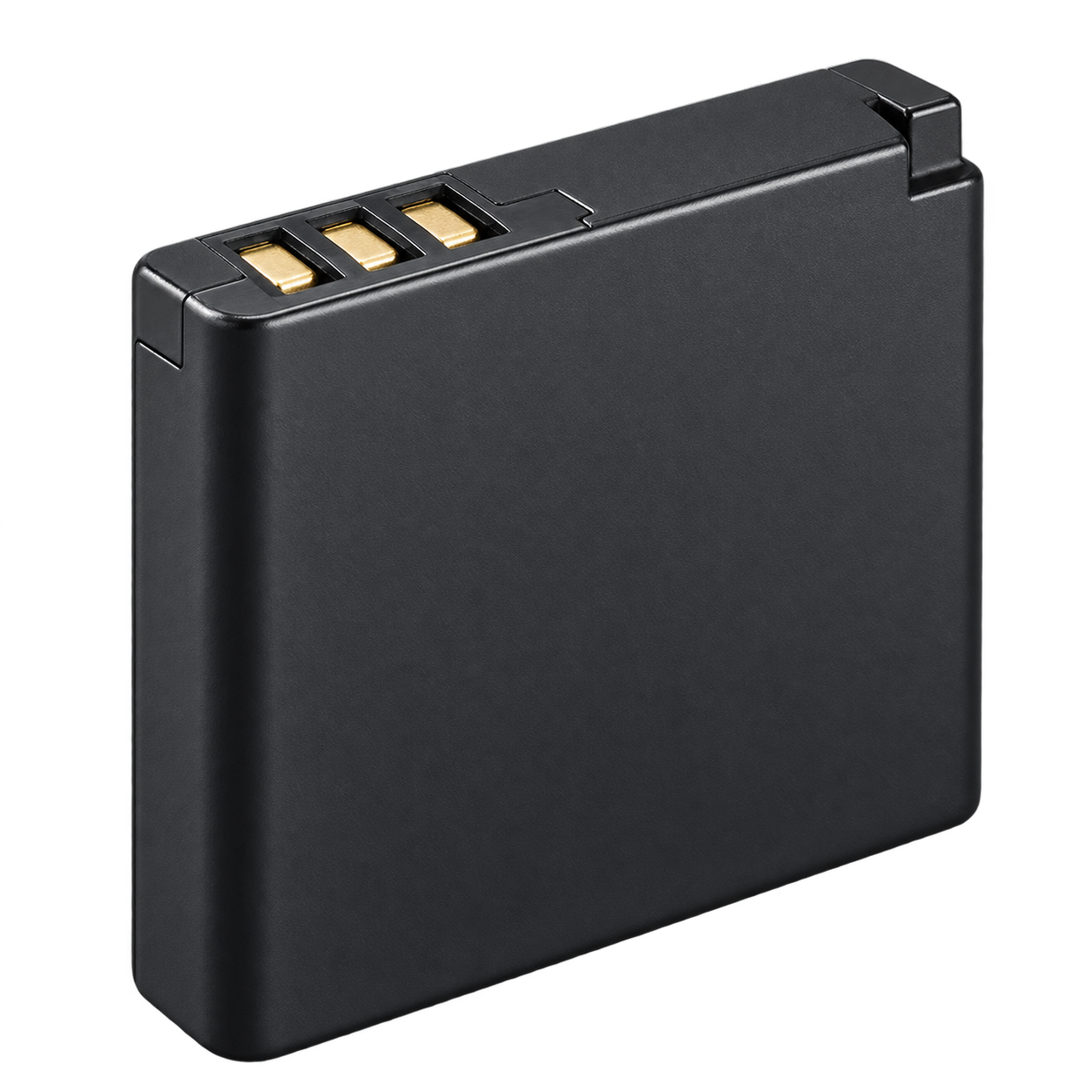
01 / Battery
NP-45
Camera battery
Use the battery type specified for this exact model.
Find this part



Retro Digitals is our store. About these links
YOUR CAMERA’S KIT
The battery, charger, cable, memory card and reader for this exact model.
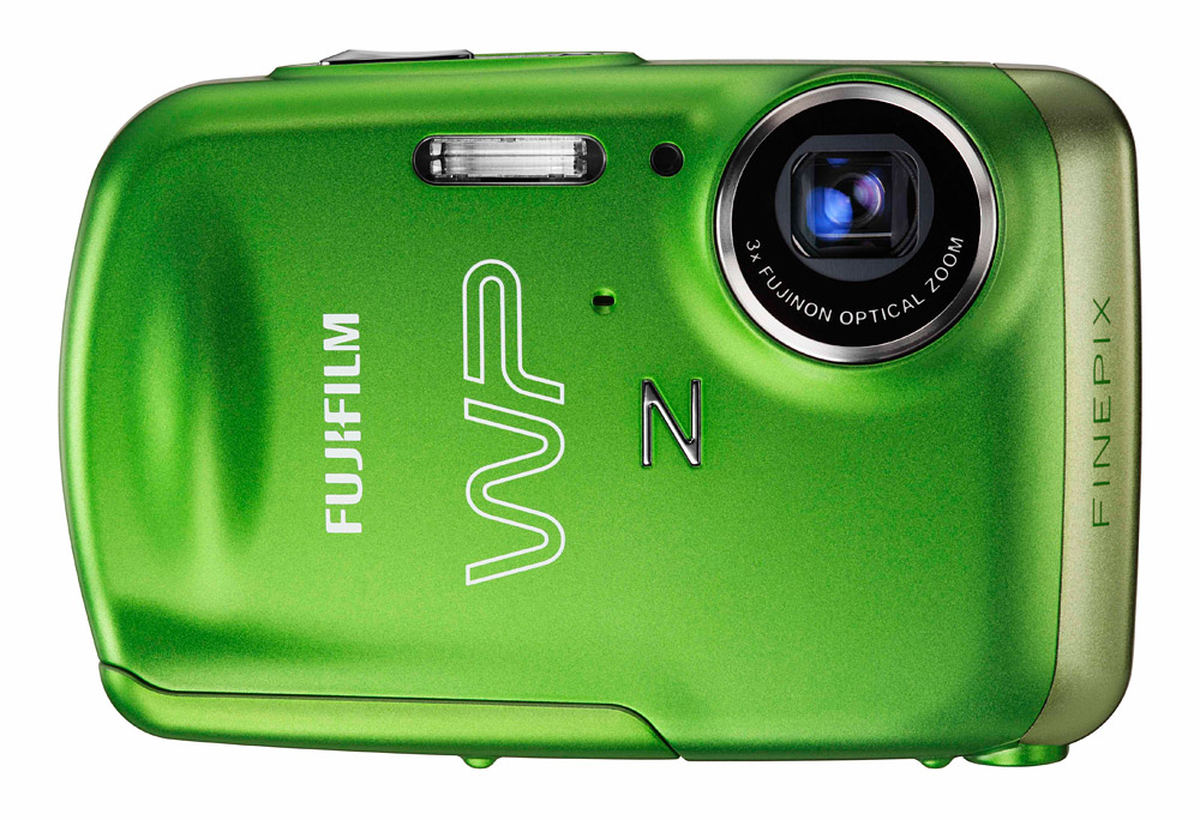
Also searchable as: Z33WP · FinePix Z33WP · Fuji Z33WP
Open in the camera finder ↗Manufacturer references checked 2026-10-15.
THE FIVE ESSENTIALS
Match the part code.
01 / Battery
Camera battery
Use the battery type specified for this exact model.
Find this part
Retro Digitals is our store. About these links
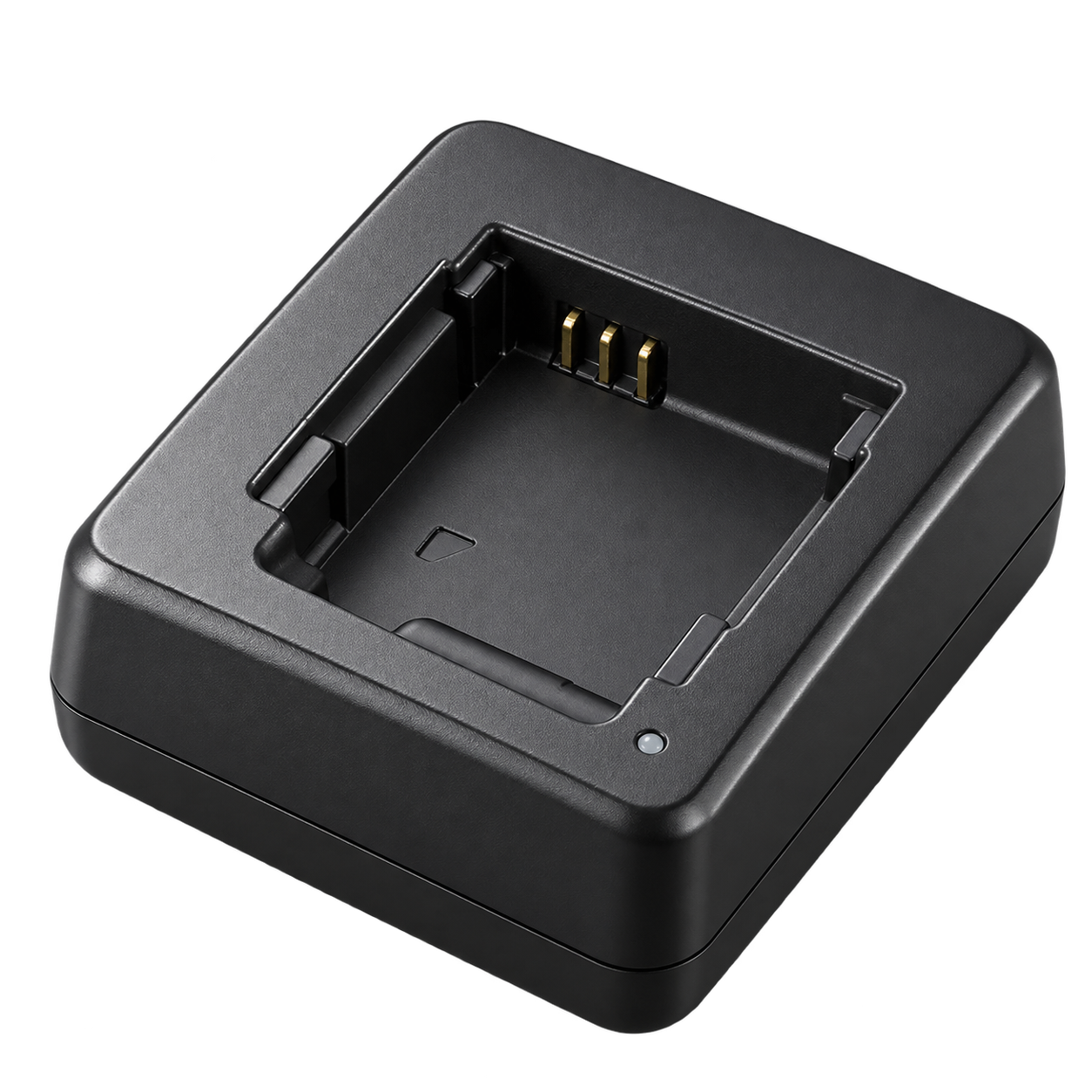
02 / Battery charger
External battery charger
Charge the battery outside the camera with BC-45W. The USB cable is for photo transfer.
Find this part
Retro Digitals is our store. About these links
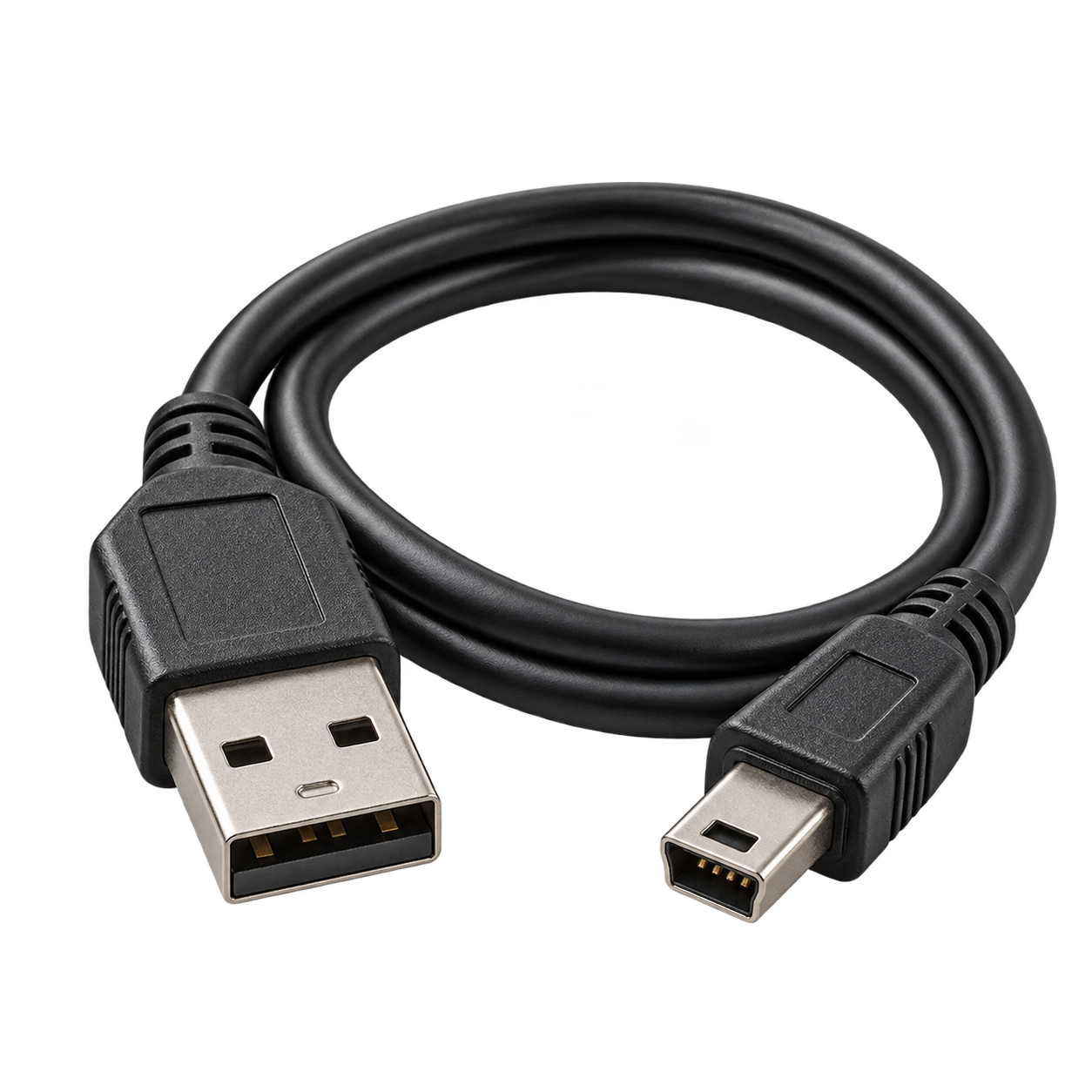
03 / USB cable
For photo transfer
Photo transfer only — does not charge the camera
Original model-specific supplied USB data cable; match the camera model when buying. USB transfers photos and does not provide ordinary USB charging.
Find this part
Retro Digitals is our store. About these links
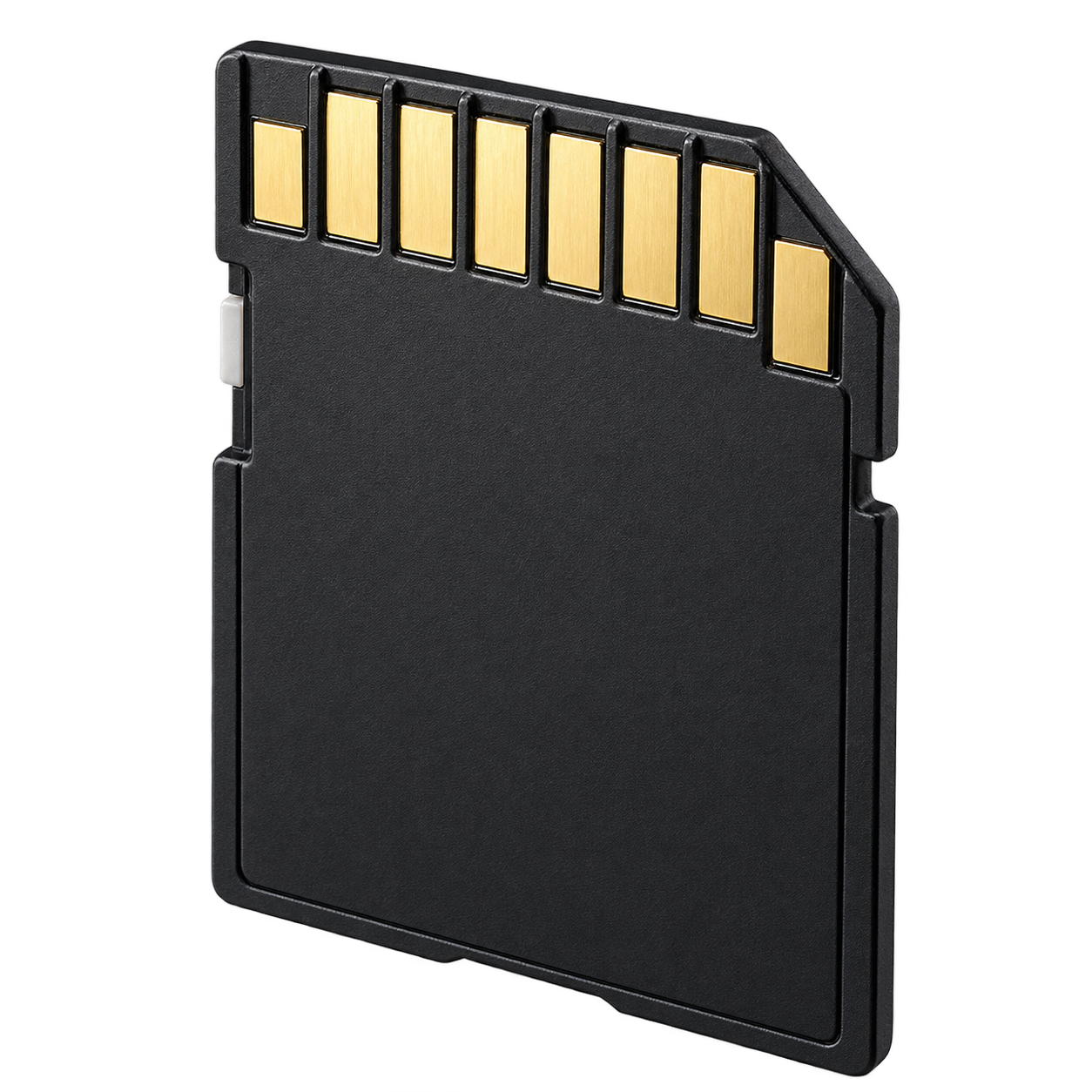
04 / Memory card
Simple choice: 2 GB standard SD memory card
Manufacturer lists SD and SDHC; xD and MMC are not supported. A full-size 2 GB standard SD card is a simple choice. SDXC is not listed. Format in the camera after backing up photos.
Find this part
Retro Digitals is our store. About these links
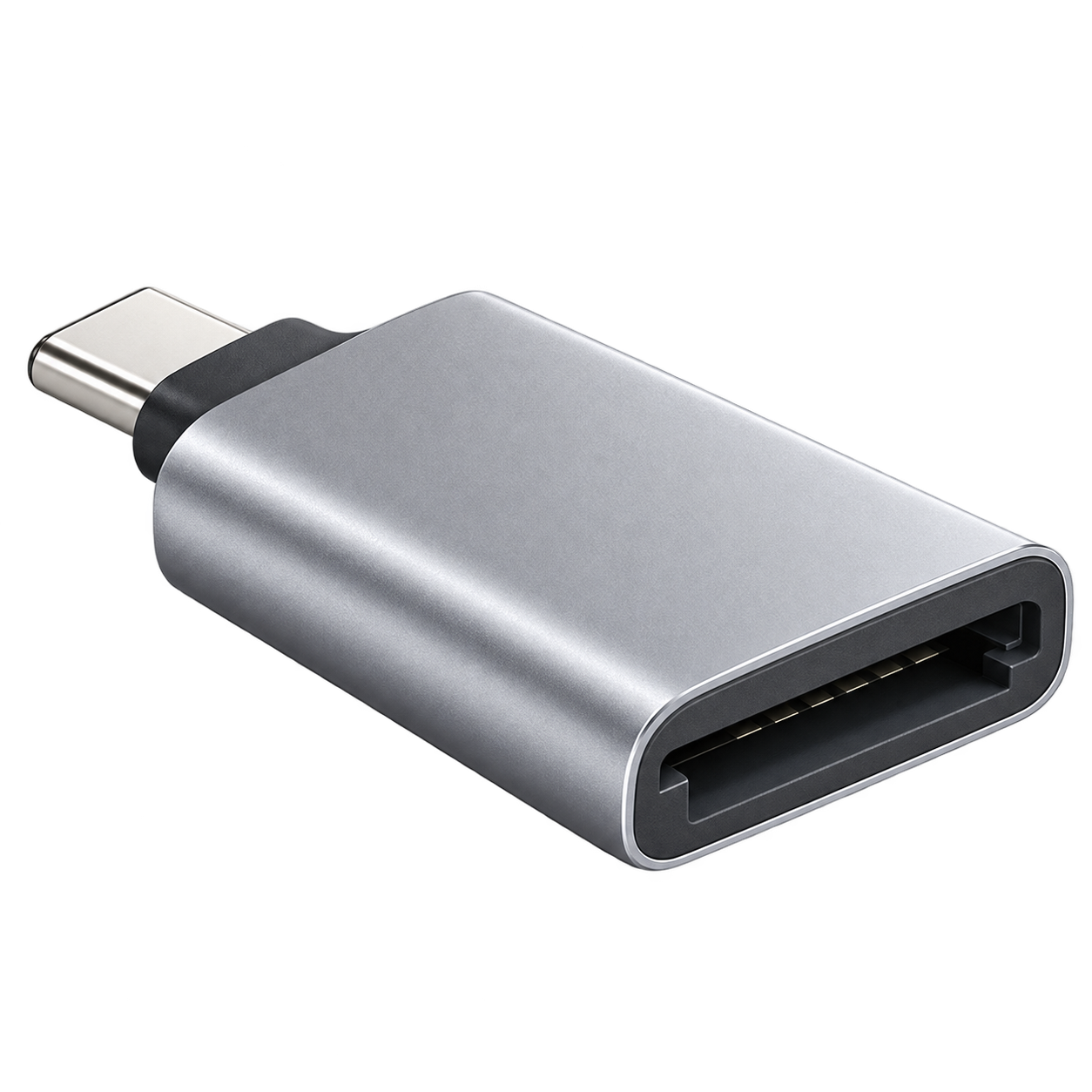
05 / Photo-transfer reader
Choose USB-C, Lightning, or USB-A
For the suggested full-size 2 GB SD card. Choose an SD-capable reader with the connector used by your phone or computer.
Find this part
Retro Digitals is our store. About these links
Accessory illustrations show categories, not the exact appearance of every part. Retailer links are searches; check the seller’s compatibility list before buying.
Charge the battery outside the camera with BC-45W. The USB cable is for photo transfer.
Turn the camera off, remove its memory card and use the matching reader above. Choose the reader connector for your device: USB-C, Lightning or USB-A. Use Photos or Files to import. Copy your photos before deleting or formatting the card.
Supplied accessories; charging; memory cards; USB computer connection; optional accessories; specifications (PDF retrieved and read). Memory-card compatibility: PDF page 18.